Claude Code & Community Frameworks
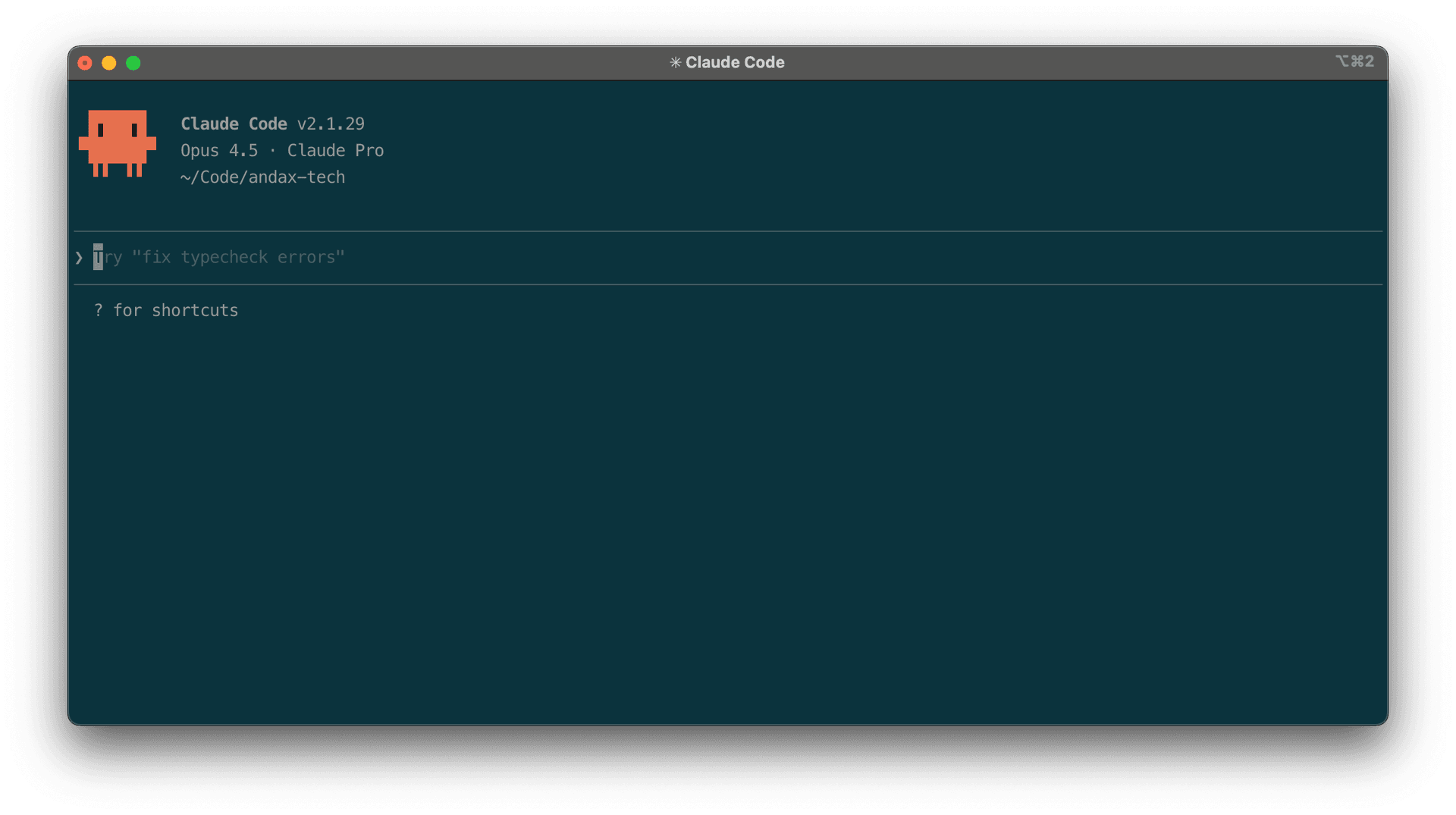
Claude Code (opens in a new tab)
Anthropic's agentic coding tool that lives in your terminal and helps you turn ideas into code faster than ever before.
What Claude Code Offers Out of the Box
Before reaching for any framework, it's worth knowing what Claude Code provides natively. Many common pain points are addressed by built-in features:
- CLAUDE.md files — Project-level instructions that persist across sessions. You can define coding standards, architecture notes, and preferred patterns so the agent always has context about your project.
- Plan mode — A built-in planning workflow (
/plan) that lets Claude research your codebase and propose an implementation approach for your approval before writing any code. - Hooks — Shell commands that execute in response to tool calls, giving you automated guardrails like linting on save or running tests after edits.
- MCP servers — The Model Context Protocol lets you connect Claude Code to external tools and data sources (databases, APIs, documentation) directly within your session.
- Slash commands and custom skills — Reusable workflows you can invoke with a single command, like
/commitfor standardised git commits.
The creator of Claude Code, Boris Cherny, has posted some tips and tricks for using Claude Code from himself and others at Anthropic:
For many projects, a well-crafted CLAUDE.md and disciplined use of plan mode is all you need. The community frameworks below are worth exploring when you want more opinionated structure or automation beyond what the defaults provide.
Community Frameworks for Claude Code
The comparison below was initially generated by Google Gemini 3 in response to my own curiosity about which of these tools to try, and has been edited for accuracy and context.
Anthropic's Claude Code is a capable agentic coding tool out of the box. But for developers who want more opinionated workflows — stricter context management, autonomous execution, or remote access — the community has built frameworks that layer additional structure on top. Here are three worth knowing about: Get Shit Done (GSD), Ralph Bash Loops, and Clawdbot Moltbot OpenClaw.
1. Get Shit Done (GSD) (opens in a new tab): The Architect's Choice
Focus: Context management and "Spec-Driven" development.
The biggest hurdle with AI agents is "context rot." After 20 minutes of coding, the AI often forgets the original goal or starts hallucinating old file structures. GSD fixes this by imposing a strict, document-first workflow.
- The Workflow: It forces a "Plan-First" loop. Before writing a single line of code, GSD makes the agent generate a
PROJECT.mdand a.planning/directory. - Why it works: It creates a "Source of Truth." If the AI gets lost, it refers back to the local markdown files rather than relying on its short-term memory.
- Best for: Developers building complex, long-term applications where precision is more important than raw speed.
2. Ralph Bash Loops (opens in a new tab): The Autonomous "Overnight" Engineer
Focus: Hands-off execution and remote automation.
Everything is a Ralph Loop (opens in a new tab) covers the concept well, one implementation of them is Ralph Inferno (opens in a new tab) and another is an official Claude plugin provided by Anthropic Ralph Loop Plugin (opens in a new tab).
If GSD is a steering wheel, Ralph Bash Loops is a self-driving car. Designed to run on remote VMs (Virtual Machines), Ralph is built for the "Build while you sleep" philosophy.
- The Workflow: You give Ralph a high-level goal. In Ralph Inferno it initiates an "Inferno" loop: researching the codebase, planning the change, writing the code, and running Playwright E2E tests. It won't stop until the tests pass.
- The Secret Sauce: It uses a "Fresh Context" strategy. Instead of one long, expensive session, Ralph spawns "micro-sessions" for sub-tasks, keeping token costs low and logic sharp.
- Best for: Automating tedious feature requests or bug fixes that require heavy testing.
3. OpenClaw (opens in a new tab): The Remote Control for Your Terminal
Focus: Mobile accessibility and proactive monitoring.
Created by Peter Steinberger (founder of PSPDFKit), OpenClaw (formerly Clawdbot / Moltbot) is the most "lifestyle" friendly of the three. It acts as a bridge between your local development environment and your messaging apps.
- The Workflow: It turns WhatsApp or Telegram into a remote terminal. You can text your computer to "Run the test suite" or "Summarise the last 50 lines of the error log" while you're away from your desk.
- The Standout Feature: It's proactive. OpenClaw can watch your builds and ping you on your phone the second something breaks, allowing you to trigger a fix via text.
- Best for: Solo founders and DevOps engineers who need to keep an eye on their "digital factory" 24/7.
Which one should you choose?
| If you want... | Use this tool |
|---|---|
| Organization & Sanity | Get Shit Done |
| Total Autonomy & Testing | Ralph Bash Loops |
| Remote Access & Pings | OpenClaw |
Final Thoughts
Claude Code is a very impressive product, but these community tools can take it further. For most developers already familiar with Claude Code, starting with Get Shit Done is appealing for any green field projects. If you're feeling adventurous and want to see what 100% autonomous coding looks like, spin up a VM and let Ralph run wild. There has been a lot of buzz most recently about Clawdbot Moltbot OpenClaw however and clearly loved by a bunch of folks.
This article is also published at https://andax.substack.com/p/claude-code-and-community-frameworks?r=26c473 (opens in a new tab) & https://medium.com/@andaxhambert/claude-code-community-frameworks-dbce498955b8 (opens in a new tab)
© Andrew HammondRSS